Start with the sold variant
Multiply the cost of the exact variant by its quantity. A blank COGS value makes profit look higher than it is.
 Profit GuardInstall Profit Guard
Free Shopify profit calculator
Enter direct order costs to estimate profit, margin, and break-even revenue before you trust the sale.
This is a planning estimate. It does not replace accounting or tax advice.
48.8% estimated order margin
Excludes advertising, payroll, overhead, taxes, and unentered refund or payout adjustments.
Order profit
Revenue - COGS - shipping - payment fees - Shopify transaction feesMargin = order profit / revenue × 100The estimate is only useful when each input matches the order you are reviewing.
Multiply the cost of the exact variant by its quantity. A blank COGS value makes profit look higher than it is.
Customer shipping revenue and the amount paid to fulfill the parcel are different numbers. Use the expense in the cost field.
Payment processing and Shopify transaction fees are separate. Add the Shopify fee only when it applies to your payment setup.
Make the revenue input consistent with the refund state. Keep tax liabilities and accounting adjustments outside this estimate.
Check current rules in the Shopify Help Center for profit reports, payment provider fees, and third-party transaction fees.
The example starts with $100 revenue, $40 COGS, $8 shipping, and a 2.9% + $0.30 processing fee. It assumes no additional Shopify fee.
Read the full calculation guide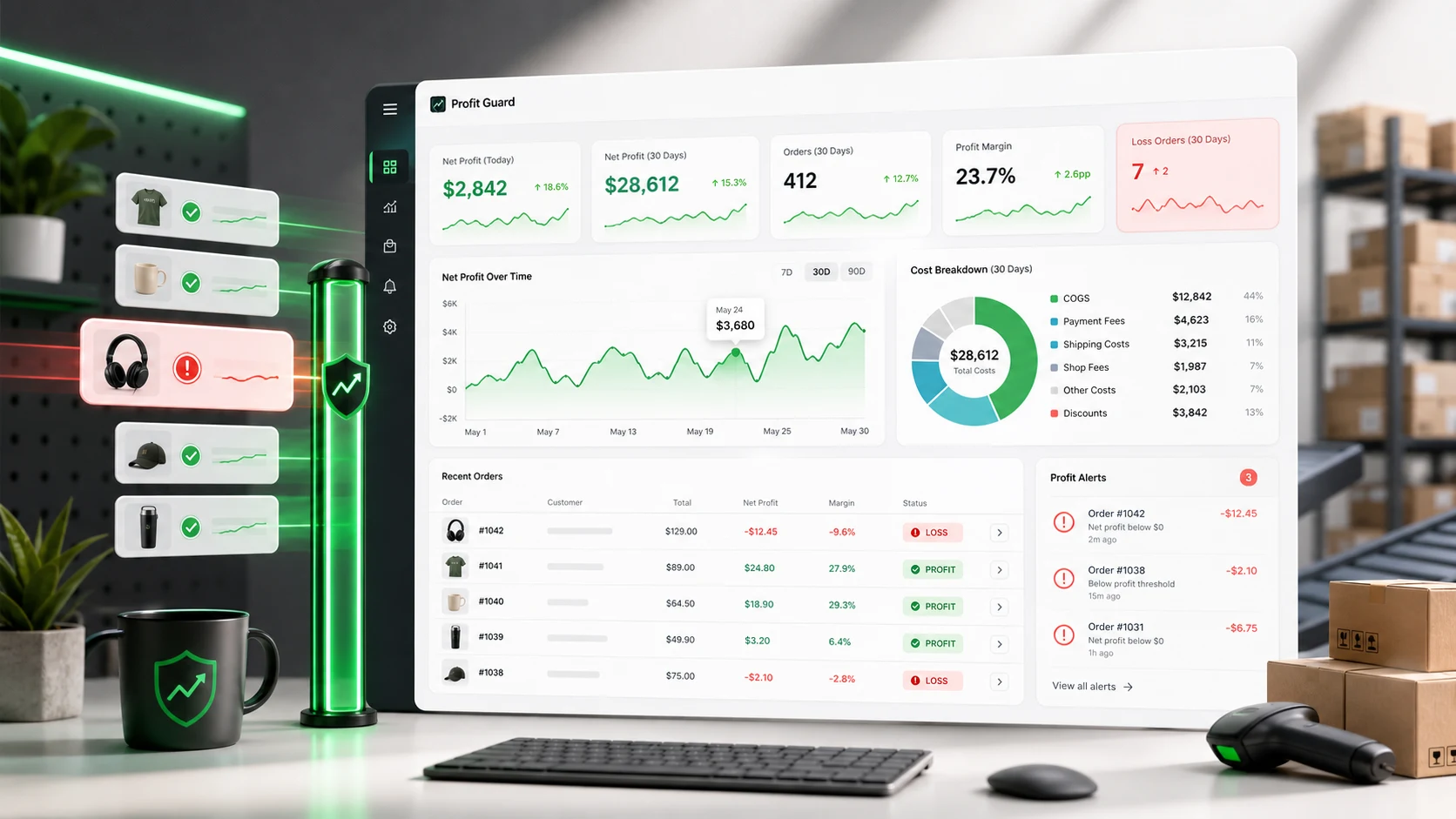
Profit Guard applies configured product costs, shipping, payment fees, and Shopify fees to tracked incoming orders, then flags results below your chosen threshold. Tracking volume depends on the active plan.
Profit Guard does not import advertising spend, payroll, overhead, carrier invoices, or complete accounting adjustments.
Install Profit GuardUse the revenue amount you want to evaluate after the discounts and refunds relevant to that order. Keep the same definition across every order you compare.
Include it only if it is part of the revenue figure you entered. The shipping cost field is for what your business pays to fulfill the order.
No. It estimates direct order profit from the inputs shown. It does not allocate advertising, payroll, overhead, taxes, or every refund and payout adjustment.